
Music on the card
Songs for your digital wedding card: pick from 15 songs, or use your own.
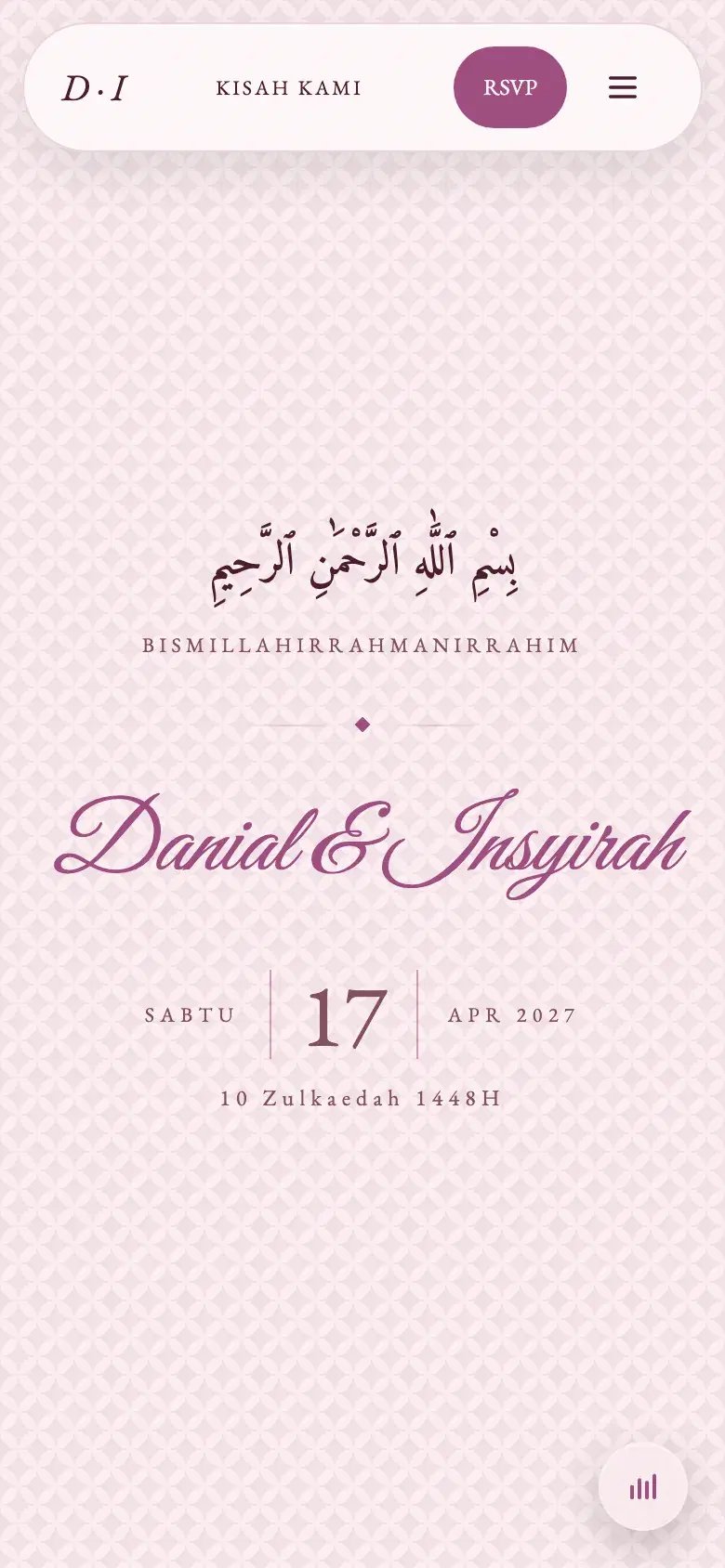
The card starts silent, and a song plays only if you choose one. Pick from our song library, or upload your own in the Studio. Guests hear it the moment they open the card cover.
Listen
Music
Your own song, on your card.
Our library has 15 songs. If yours is not one of them, upload it. Pick the second it starts, and guests hear it the moment they open the cover.
Upload your own song
MP3, M4A or a WhatsApp voice note, up to 10 minutes and 20 MB.
Start from the second you choose
Skip the intro. Set the second the song starts, and it loops from there.
A backup song
Pick one library song as a backup, so the card is never silent.
 Now playingOur Song
- First Light
- Cahaya Pagi
- Milikmu
Tap to play. This song is from our library.
- Pick something slow or mid-tempo. Guests open the card anywhere, and a loud song can startle.
- An instrumental never competes with the words on the card. A song with lyrics is more personal, especially if it is your song.
- If you upload your own song, choose the second it starts in the Studio, so guests hear the best part, not a long intro.
Build and preview for free. RM99 once to publish.
Common questions
How do I upload my own song?
In the Studio, under Music, choose Upload your own song. An MP3 or M4A file up to 10 minutes and 20 MB. Choose the second your song starts, and pick one of our library songs as a backup.
Which songs can I upload?
Songs you have the right to use. You confirm that right when you upload, and a song with a valid copyright complaint is taken down.
Can I change the song after publishing?
Yes. Change the song in the Studio and press Save, and guests hear the new one at the same link.
Can I still change it after publishing?
Yes, any time. Open the Studio, change what you need, press Save, and guests see the latest version at the same link. There is no limit on edits, so a wrong date or a misspelt name can be fixed even after the card has gone out.